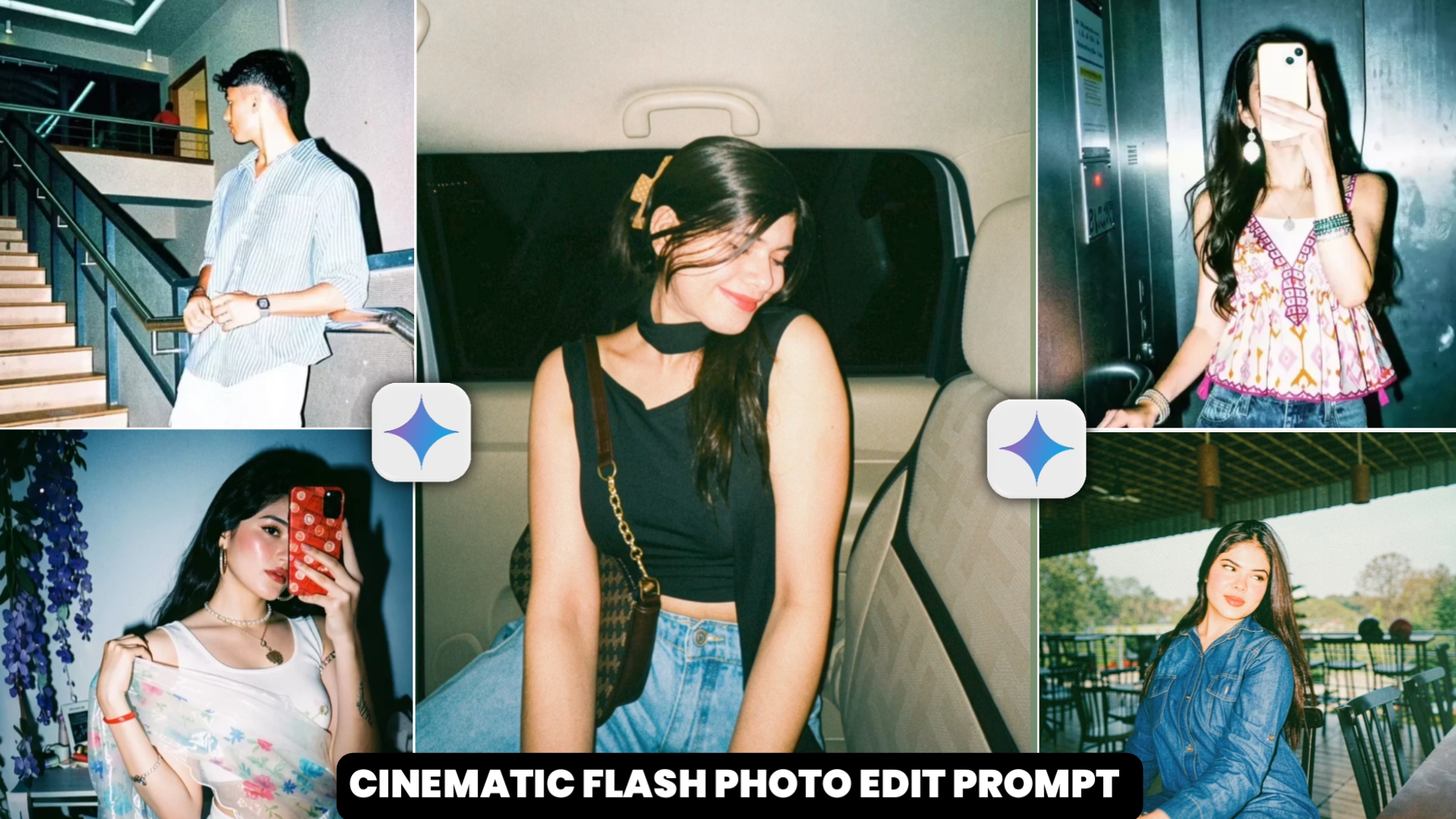
Nowadays, this kind of cinematic flash photo edit is becoming increasingly viral on social media platforms. Everyone is making such photos and posting them on their social media platforms, which are quite amazing to look at.People are liking this type of photo very much and people are making it very fast and it has become a trend.And in this, you can change any of your photos into such a cinematic look just through a prompt. So, in today’s article, I am going to tell you a very easy way to edit such photos.If you are thinking that you need to know professional editing skills to edit such photos, then it is not true at all. Even if you do not know editing, you can still create such photos.We will create such a photo using Google Gemini and whatever prompts you will need to create such a photo, I am also going to give them to you in this article, so just read this article carefully.
Viral Instagram Cinematic Filter Edit Brekdwon
So I want to tell you that this photo is created through a filter on Instagram, you can also create it from there, for that you have to open the Instagram app.And by clicking on the story, you have to select your image as you put in the story and after putting it there, you will see the option of restyle there, you have to click on it.And by clicking on this you can edit your photo in the way you want, you will also see many filters there, you have to look there and flash a filter and click on it.And as soon as you click on it, your photo will change into this kind of cinematic look in a few seconds and by doing this you can also create such photos through Instagram app.If you want to create such a photo using the prompt from Gemini Ai, then for that I will give you the prompt below and tell you the process how to do it.
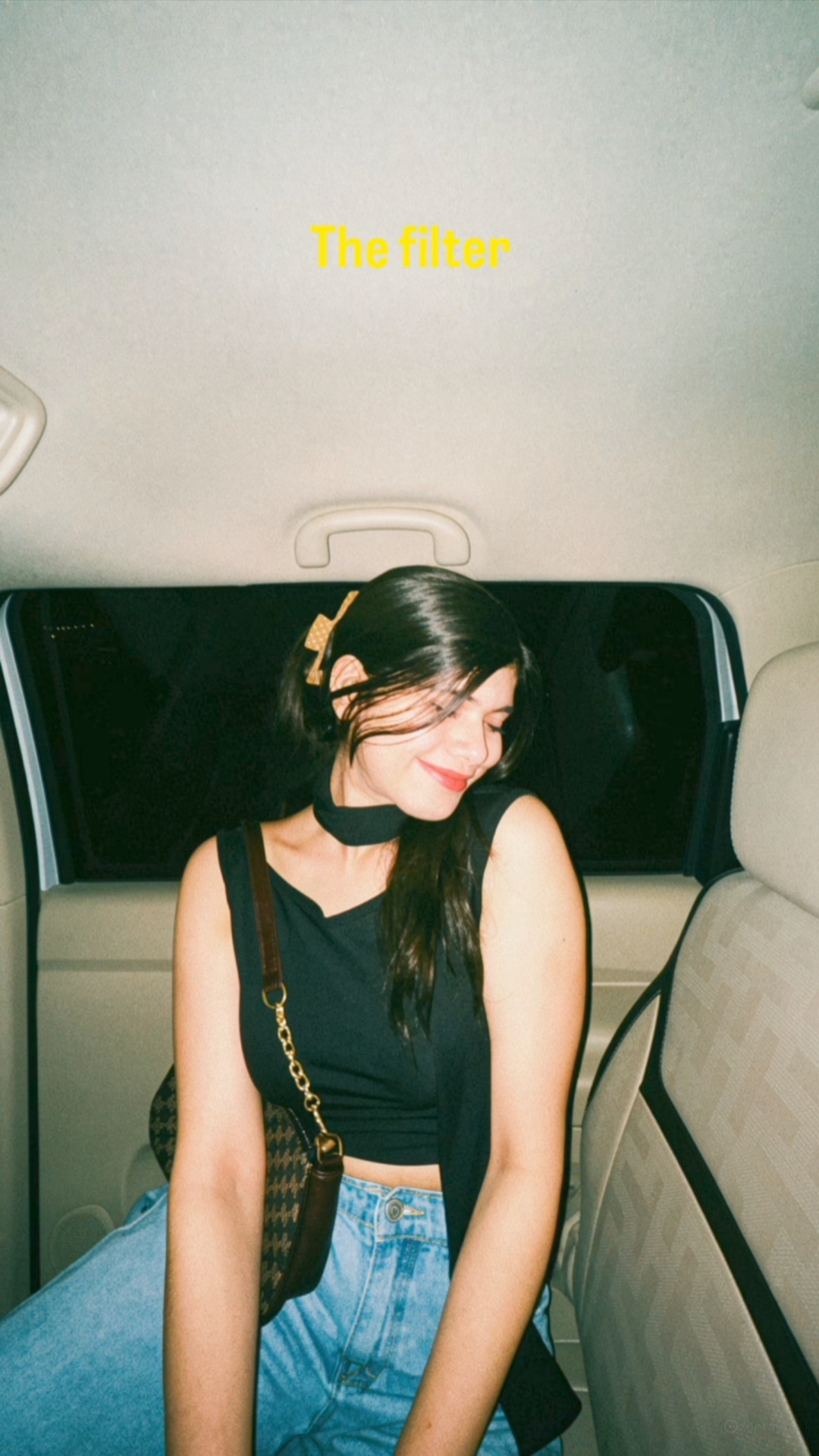
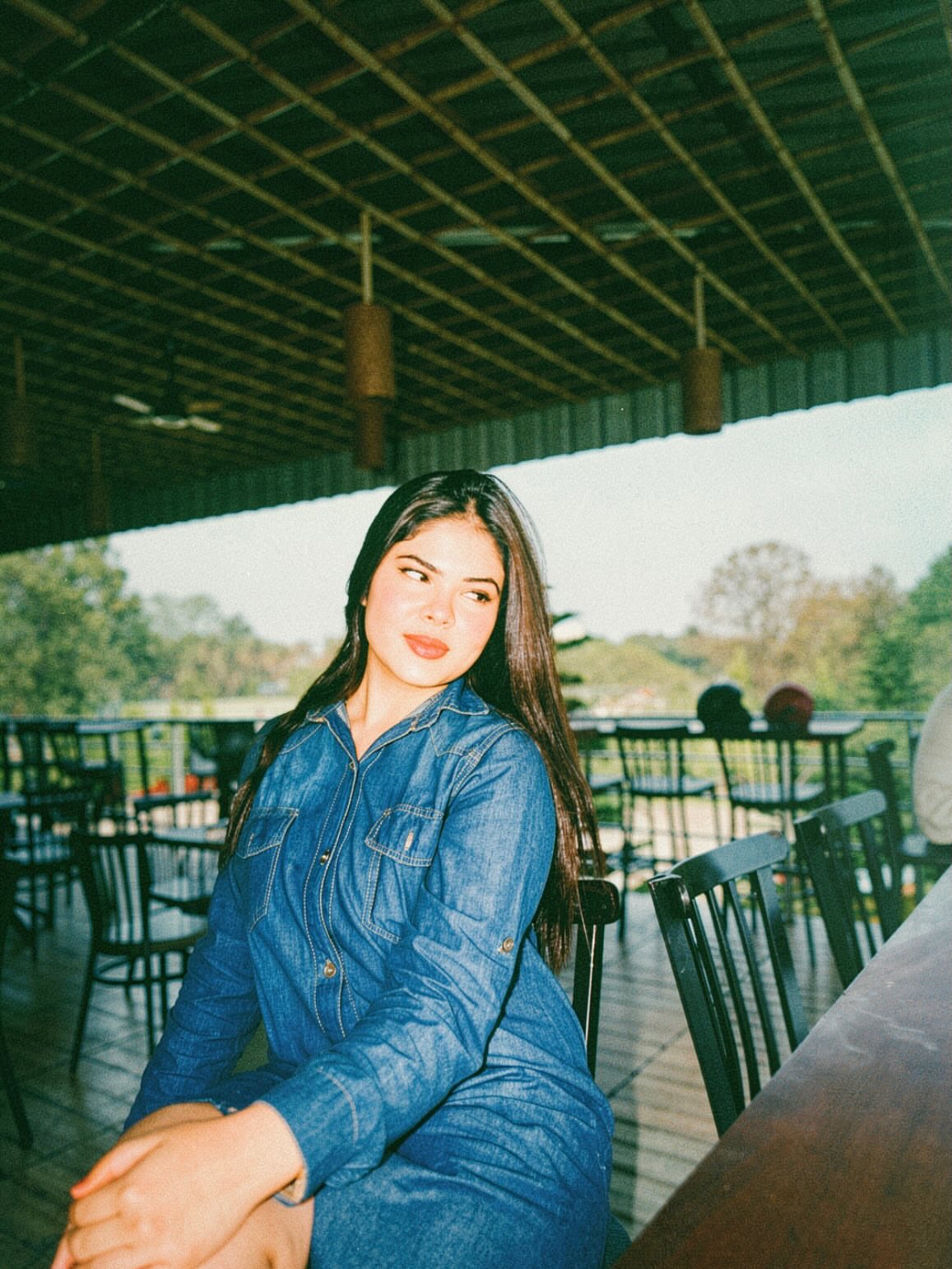
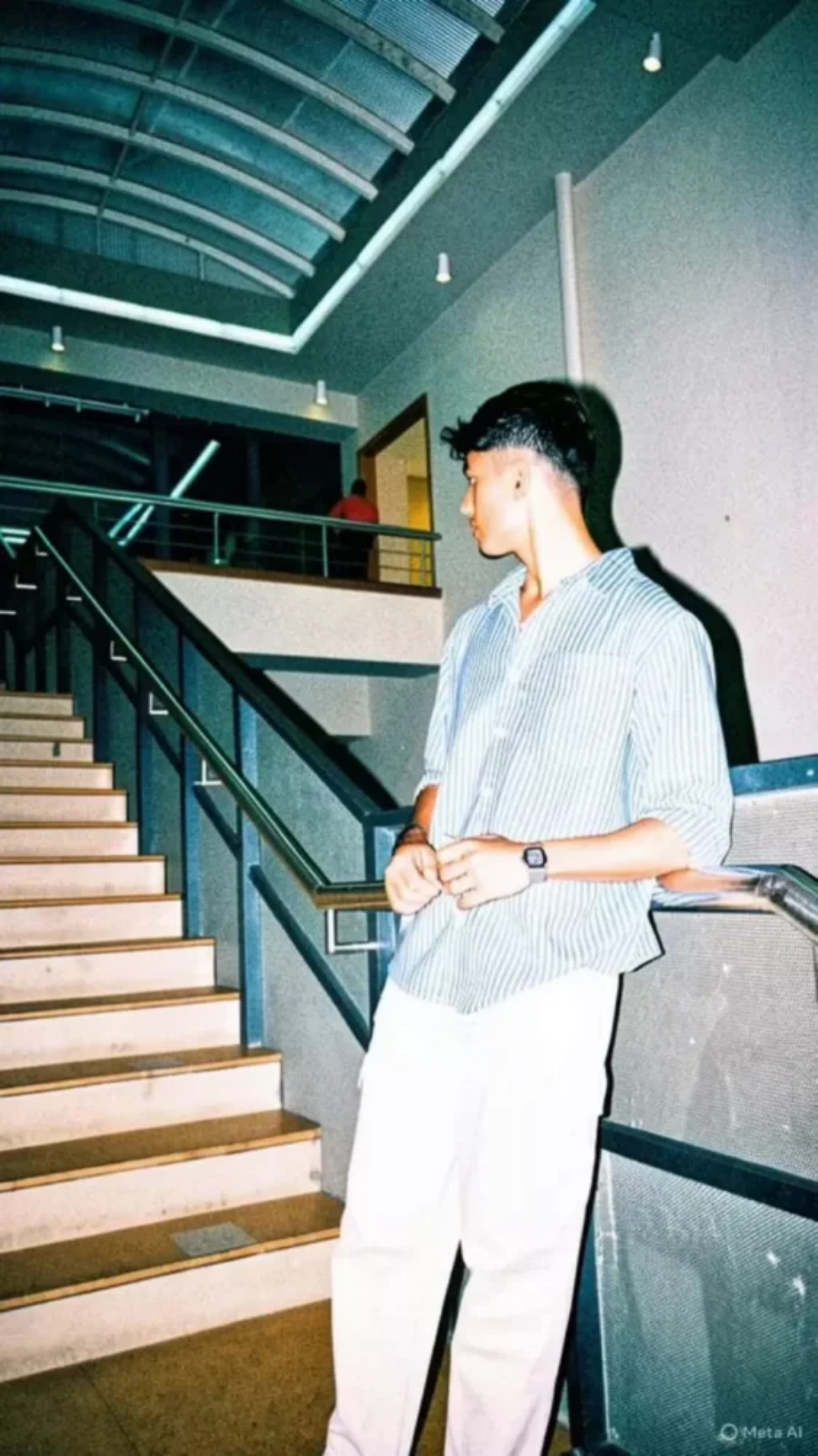
How to Make Your Cinematic Flash Photo
So let me tell you how you can make such a cinematic flash photo. First of all, I have told you the method of making such a photo through Instagram app itself. But if you want to create it using the prompt, you can do so. For that, you will see a button above, click on it and copy the prompt that you like.Then you have to select one of your images and upload it and paste it from there and send it. Your image will be created and ready in a few seconds, just download it.
Viral Before After Viral Filter Video
If you want to make your video go viral, the first thing you need to do is understand and use the “Before and After” strategy, because this is what instantly grabs people’s attention. In this approach, you begin by showing a completely normal and unedited photo or clip, something that feels real and raw, like a casual shot taken straight from the camera without any effort. After that, you present the same scene in a cinematic version, where the colors are richer, the contrast is stronger, and the overall visual feels much more polished and engaging. When people see this kind of transformation—from something ordinary to something visually striking—they naturally pause and pay attention to the difference. That contrast is what keeps them hooked, and it’s also why this type of content spreads so quickly, because audiences genuinely enjoy watching transformations and are more likely to share it with others.
My last few Words
So I will tell you how to make such a photo through Instagram app and also through prompt.You can make such a photo using whichever method you like best out of the two methods and this photo is very viral and people are also making and posting such videos, so I will tell you how to make the video also.If you do not understand then read the article carefully and you will understand everything.