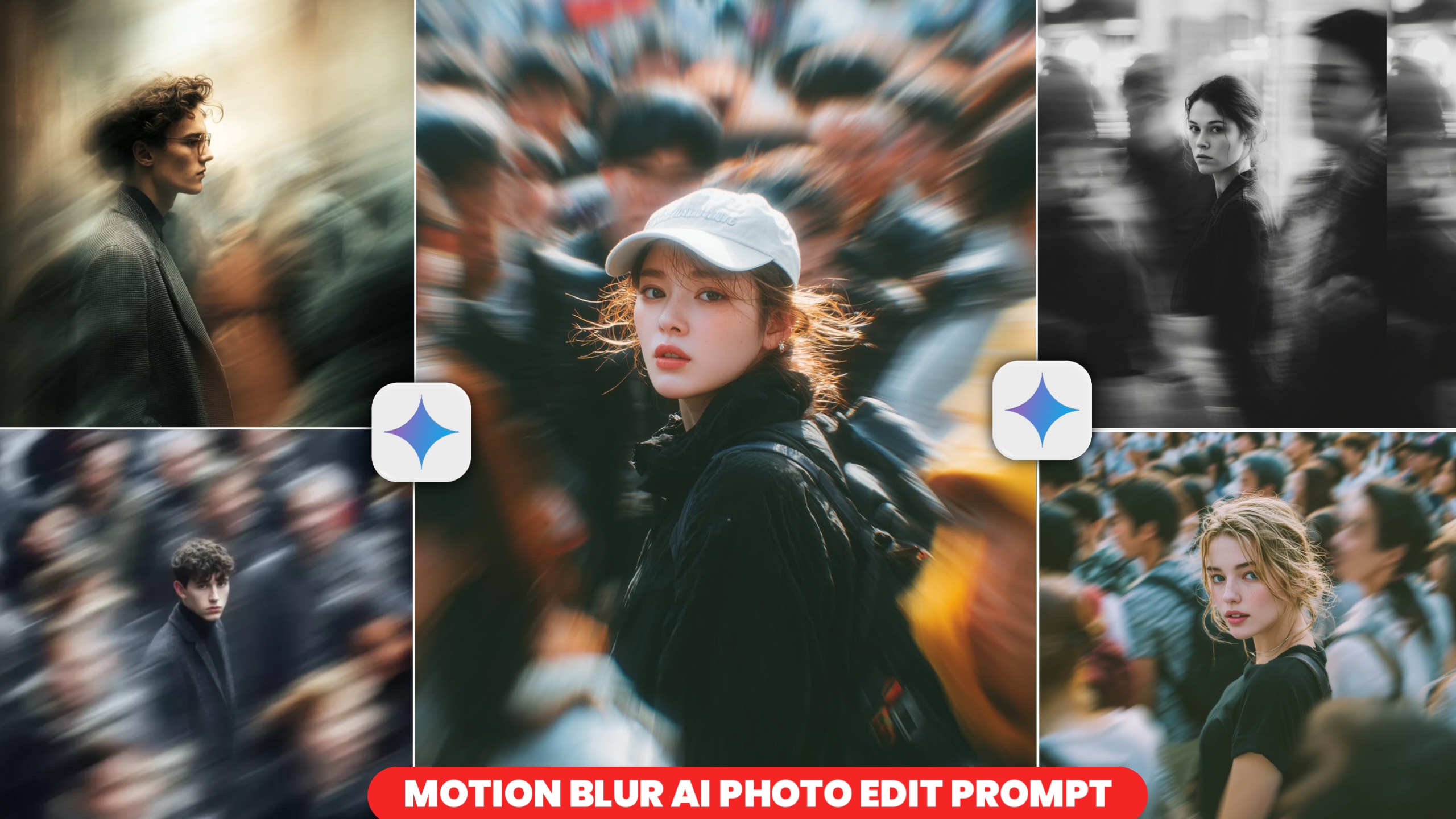
You must have noticed on social media right now that this kind of photo edit with motion blur is going viral very fast. This photo looks like an aesthetic photo and looks very nice and its background etc. is of the city i.e. outside the country which looks very nice. And if you look at such an image, you will not feel that it is made of AI, if you look at it, you will feel that it is a completely realistic image.In this type of moston blur photo edit, you will see that whatever is in the background of the photo becomes blue, which looks very good and the image remains clear, hence the look that comes from it. And such photos are being liked a lot by the people, so people are making them very fast and today in this article I will tell you how you can make such images.
Understanding Motion Blur in Photo Editing
Motion blur is an editing technique that blurs elements in the background—such as cars, bikes, people, buildings, or any other objects—to create the illusion that they are in motion. This blurring effect is aesthetically pleasing and is precisely what constitutes “motion blur.” It effectively processes the background elements while leaving the main subject of the photograph untouched, thereby enhancing the overall appeal of the image. This technique imparts a cinematic and dramatic aesthetic to the photo; when applied correctly, the entire visual character of the image is transformed, elevating it to the standard of a professional photograph.
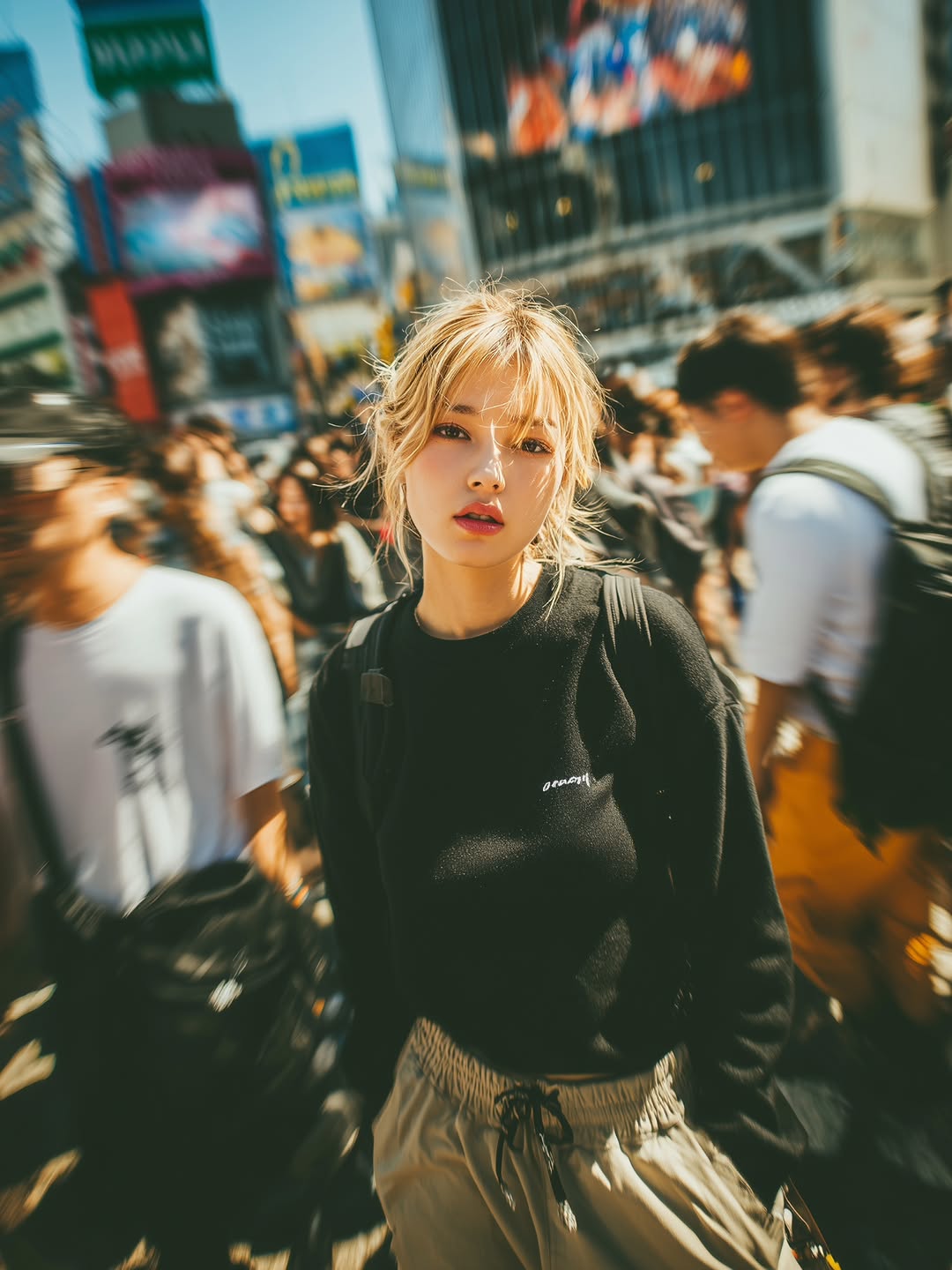
at the camera from in between an motion blurred urban croud at the Shibuya
Crossing, the woman is in her early 20s, there should be open pores, slight
pigmentation and micro texture, the camera is placed at a 60 degree angle above
the woman, the shot is being shot at a distance of atleast 10ft from the woman and
the croud is not just behind him but it surrounds her and all the croud exept the
woman is moving motion blurred –ar 3:4 –raw –stylize 250
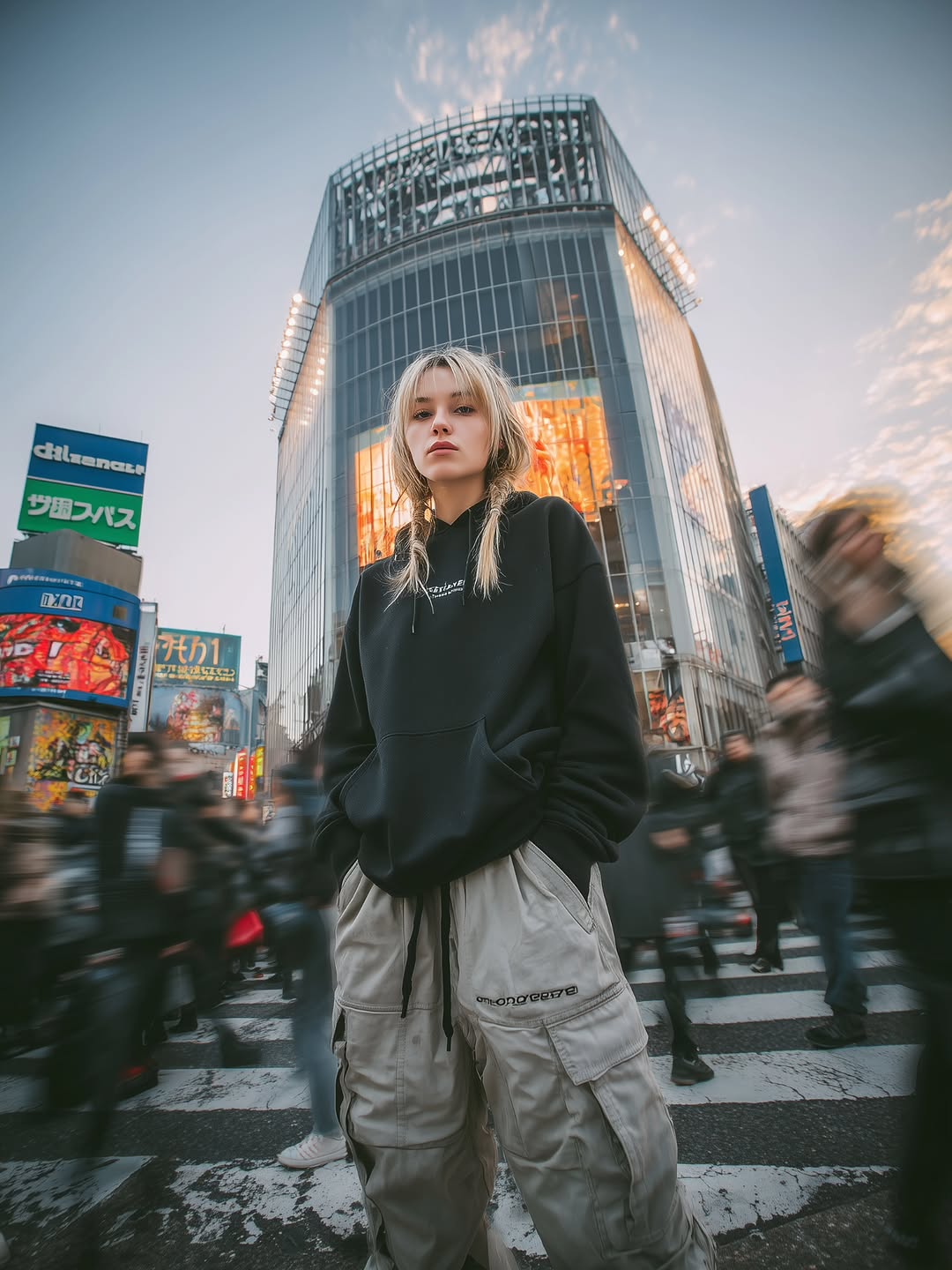
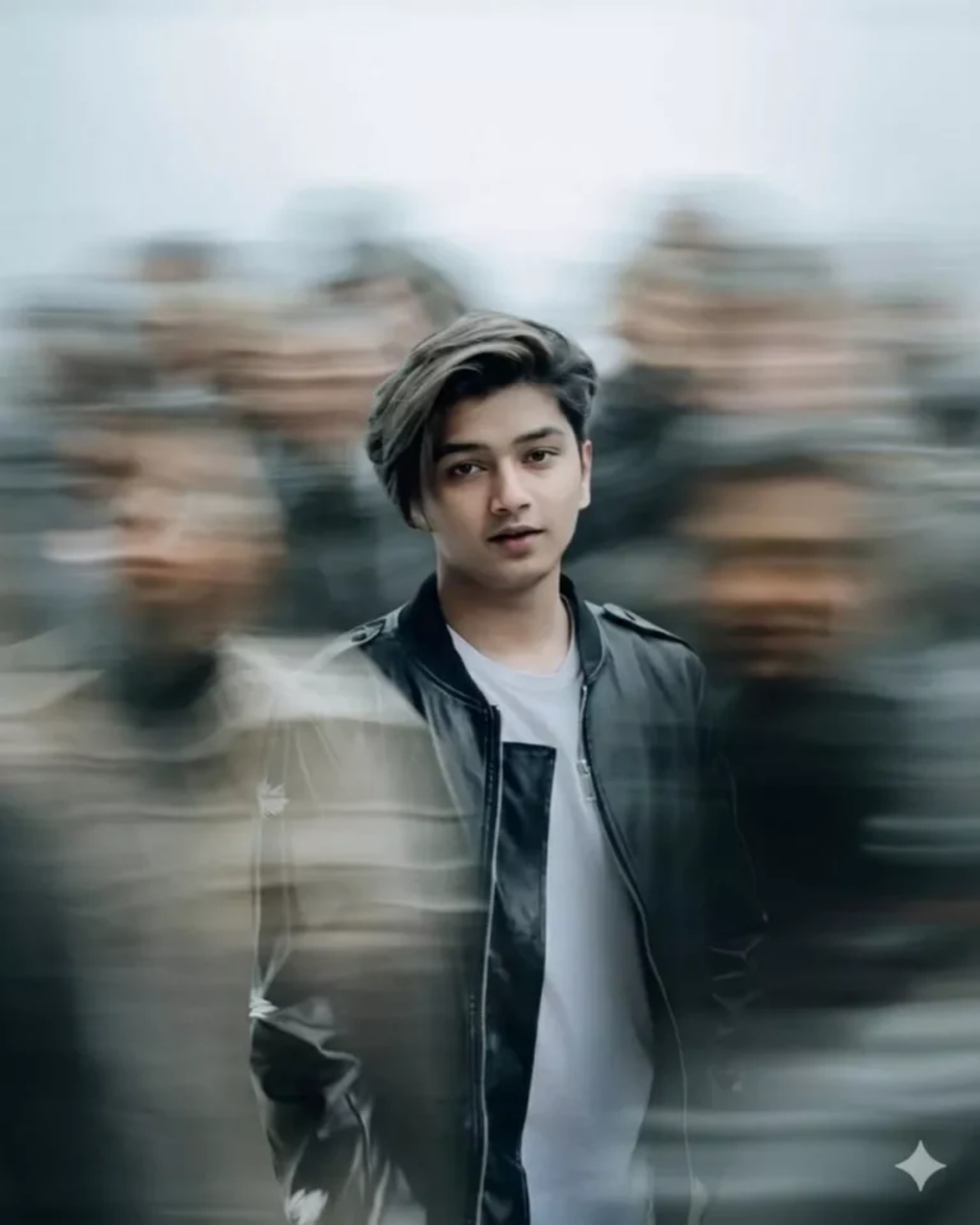
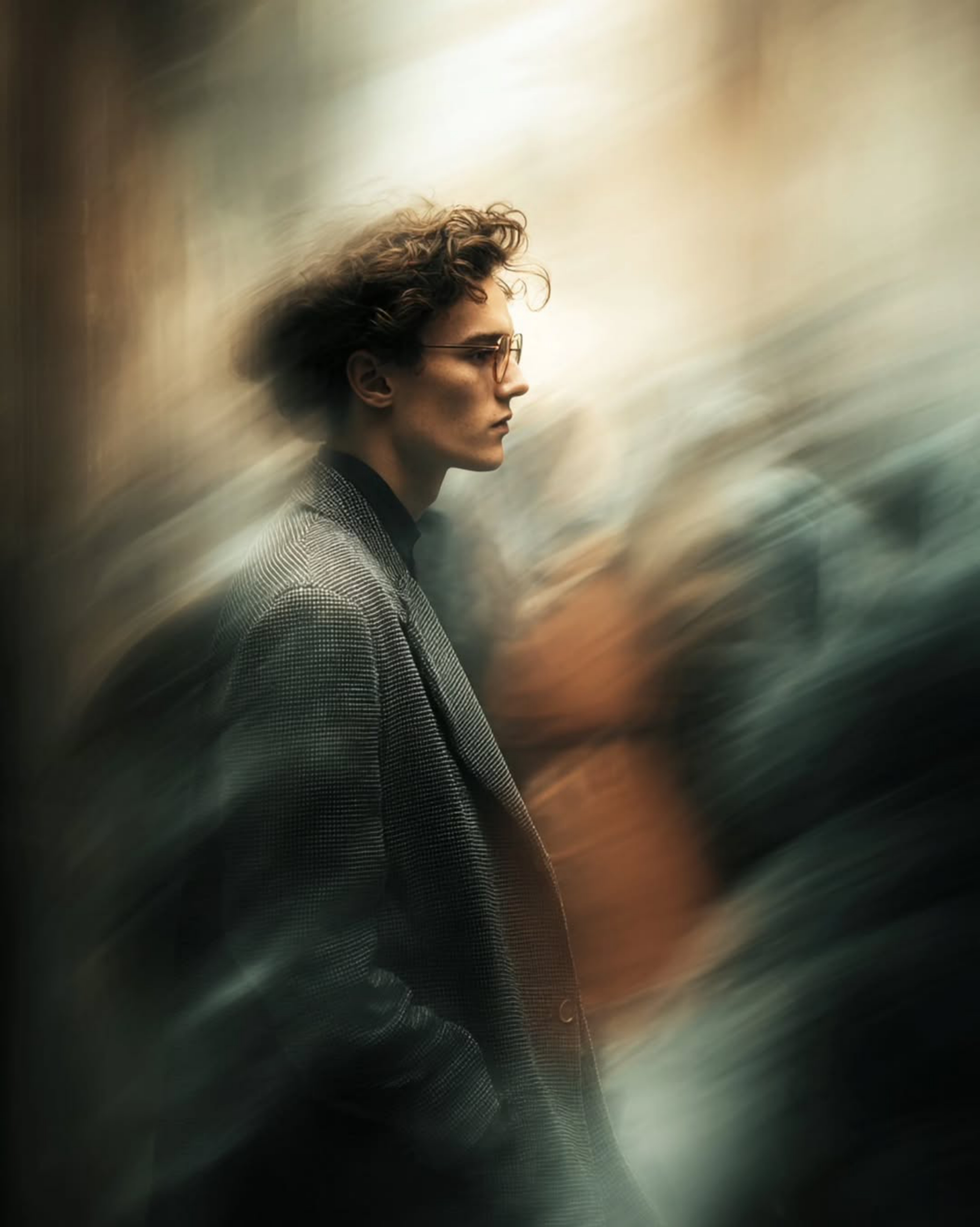
How To Create Motion Blur Ai Photo
Creating such an image is quite easy. You can create such an image using Cobus Gemini AI. How to create it?So, to generate an image like this, simply copy the prompt that appeals to you from the available options. Once copied, you will see a “Create Your Image” button located below; click on this button. After clicking, you will need to upload a standard selfie of yourself—one in which your face is clearly visible. Next, paste the prompt you copied earlier into the designated area, and then hit send. Your image will be generated within just a few seconds; you simply need to wait a moment. Once the image appears, you can click on it to save it. I have now outlined the entire step-by-step process for you; by following these instructions, you will be able to create this type of image with great ease.
Last Words
So, in today’s article, I have demonstrated how to edit photos featuring a “Motion Blur” effect—images that you can easily create by utilizing the prompts I have provided. I have also outlined all the necessary steps and procedures above; if you follow them carefully, you should encounter no difficulties in creating these images. Since these photos look incredibly impressive and are currently going viral across social media platforms, I encourage you to create your own versions and post them on your social media profiles.