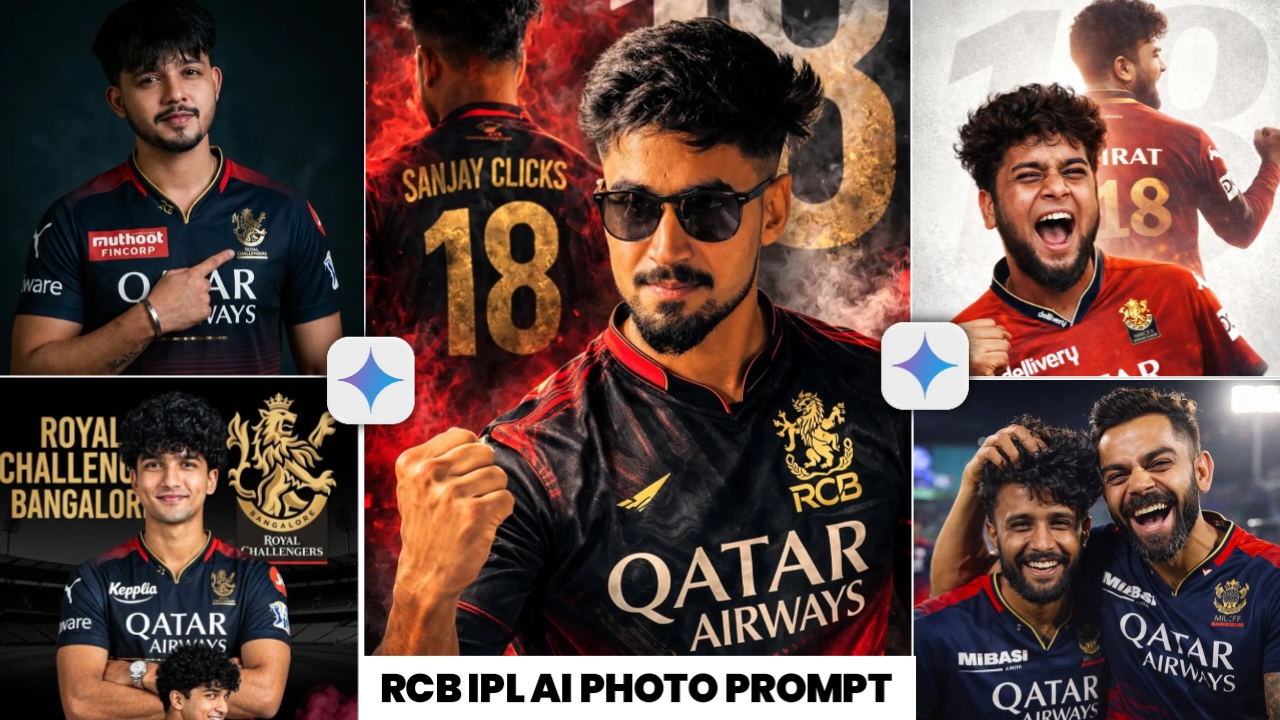
RCB Photo Editing Prompt – If you are highly active on social media, you have likely come across these types of IPL RCB-themed photo edits on Instagram, which are currently going viral at a rapid pace. RCB enthusiasts and fans are creating these images setting them as their display pictures (DP) on WhatsApp, Instagram, and Facebook and actively posting them online. These edits look incredibly impressive and serve as a wonderful way to demonstrate support for one’s favorite team. As you are surely aware, the IPL is set to kick off on March 28th meaning only a few days remain and the opening match features none other than RCB. You also know that RCB is a team boasting an absolutely massive fan base; their supporters are so active that they are generating these types of edited photos in huge numbers. Indeed, no other team enjoys a fan following quite as extensive as RCB’s. Therefore, in today’s article, I will be providing you with the specific prompt for these RCB photo edits, which you can use to create similar images for yourself.
All IPl Team Photo Edit Prompt
Full Editing Brekdwon Of RCB Photo Prompt
I would like to inform you that you have likely come across photos on social media featuring various styles and poses—images that look incredibly impressive. In today’s article, I will specifically guide you on how to edit photos for the RCB team. If you wish to edit photos for other IPL teams as well, I have previously written a separate article providing prompts for every IPL team; you can find the link right above this text. By clicking on it, you can access that article which also includes some RCB prompts though in this article, I will be providing prompts exclusively for RCB. You might be wondering how to create such images; to do so, you simply need to use a standard selfie of yourself. You do not need to be wearing a jersey or any specific attire in the photo; by using just a normal picture of yourself along with the prompts I provide, you can generate these stylish images. So, let’s get started—below, I will walk you through the process step-by-step.
I am giving you a prompt to edit the photo
So you can see that below I have given you many prompts to edit the photo of RCB, using which you can make such a photo for just one and the complete process of making it is also given below.If you need more prompt, you can see the button above, you can click on it and I have given the prompt there also. So, whichever prompt you like, you can copy that prompt and convert your photo into RCB photo like this. And for that you don’t even need to read any journal etc. You can simply create such a photo using this prompt.
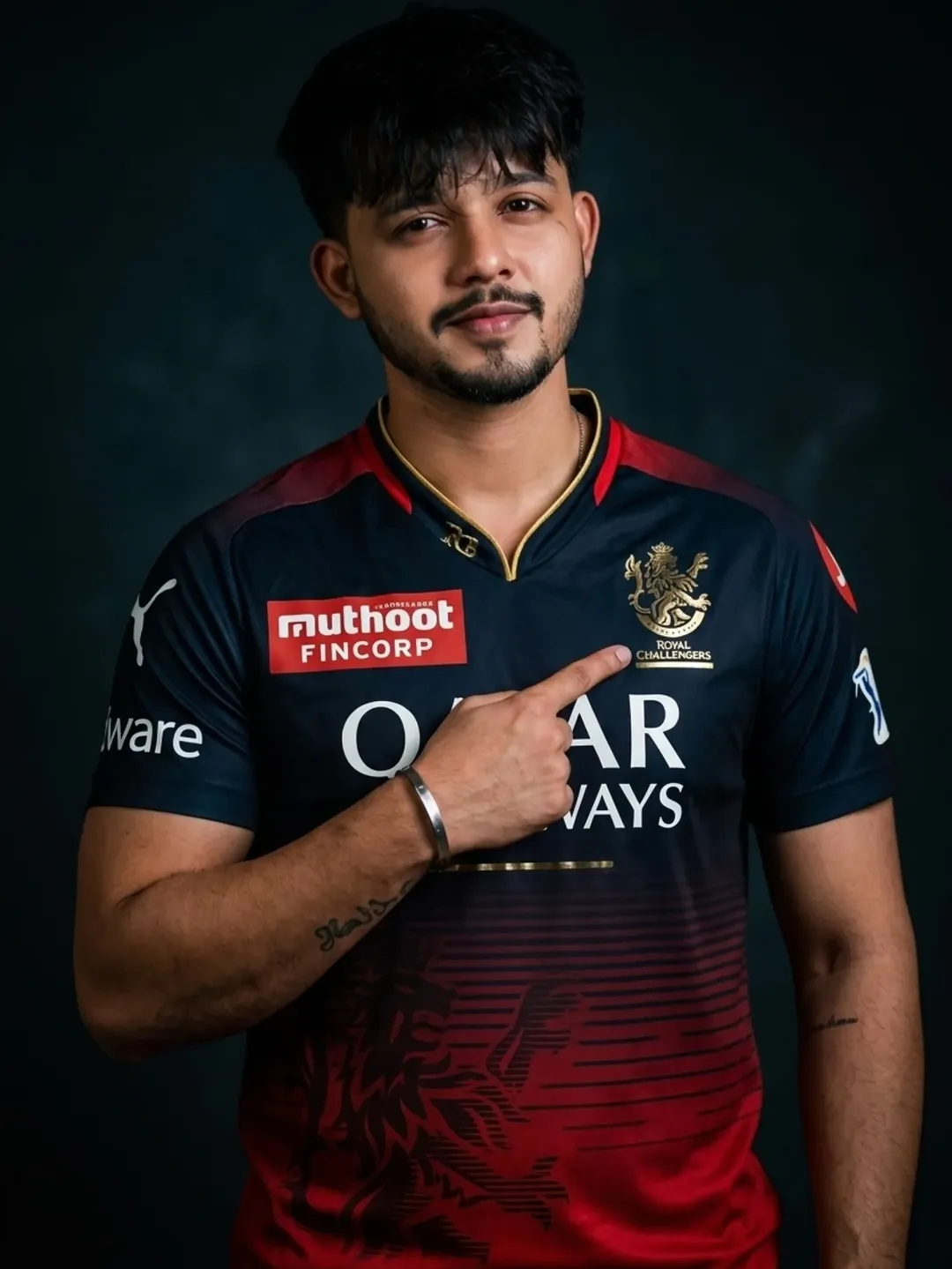
Don’t change face shape and hairs
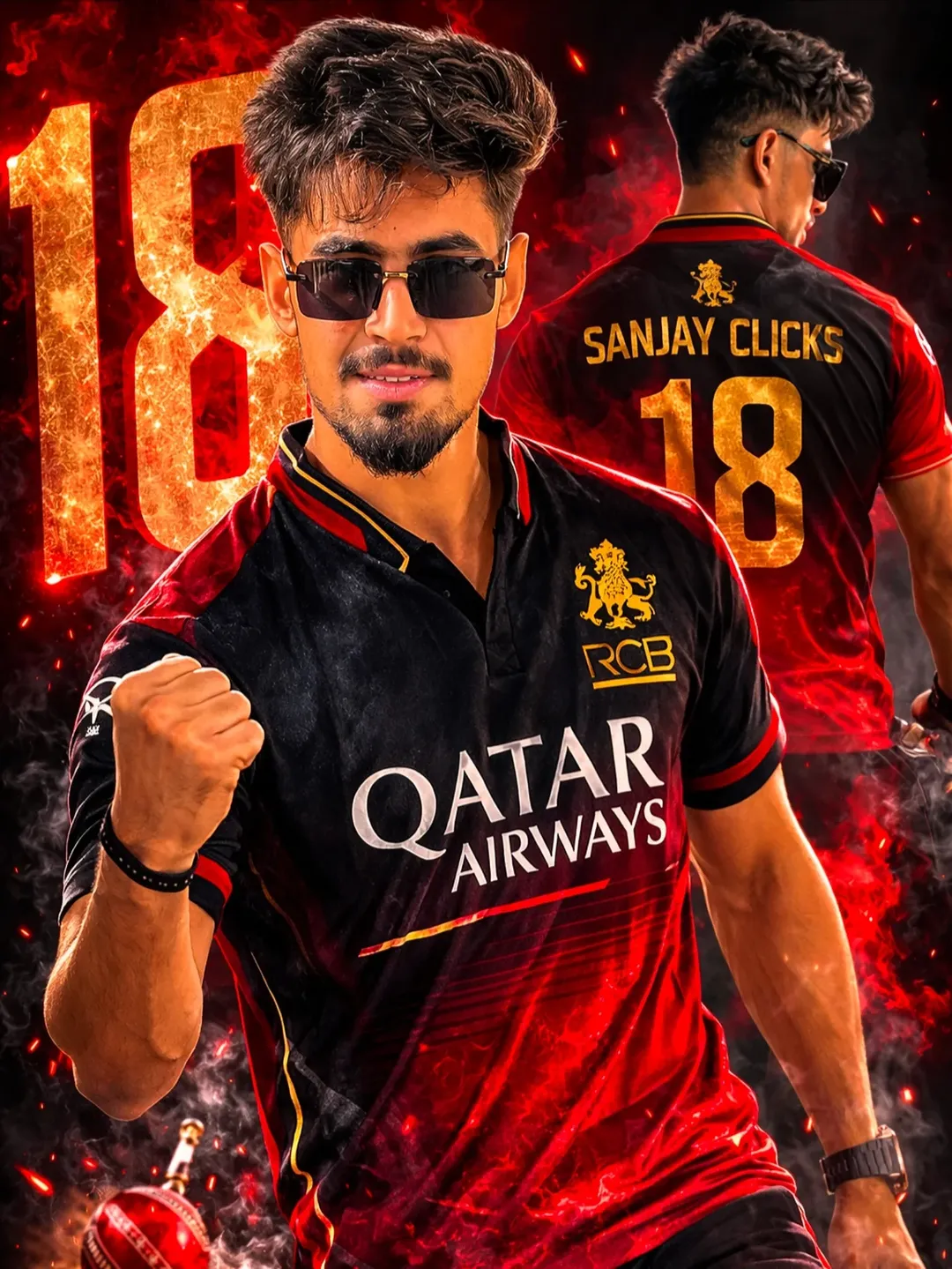
same no face change, no modification, kee original facial identity perfectly preserved
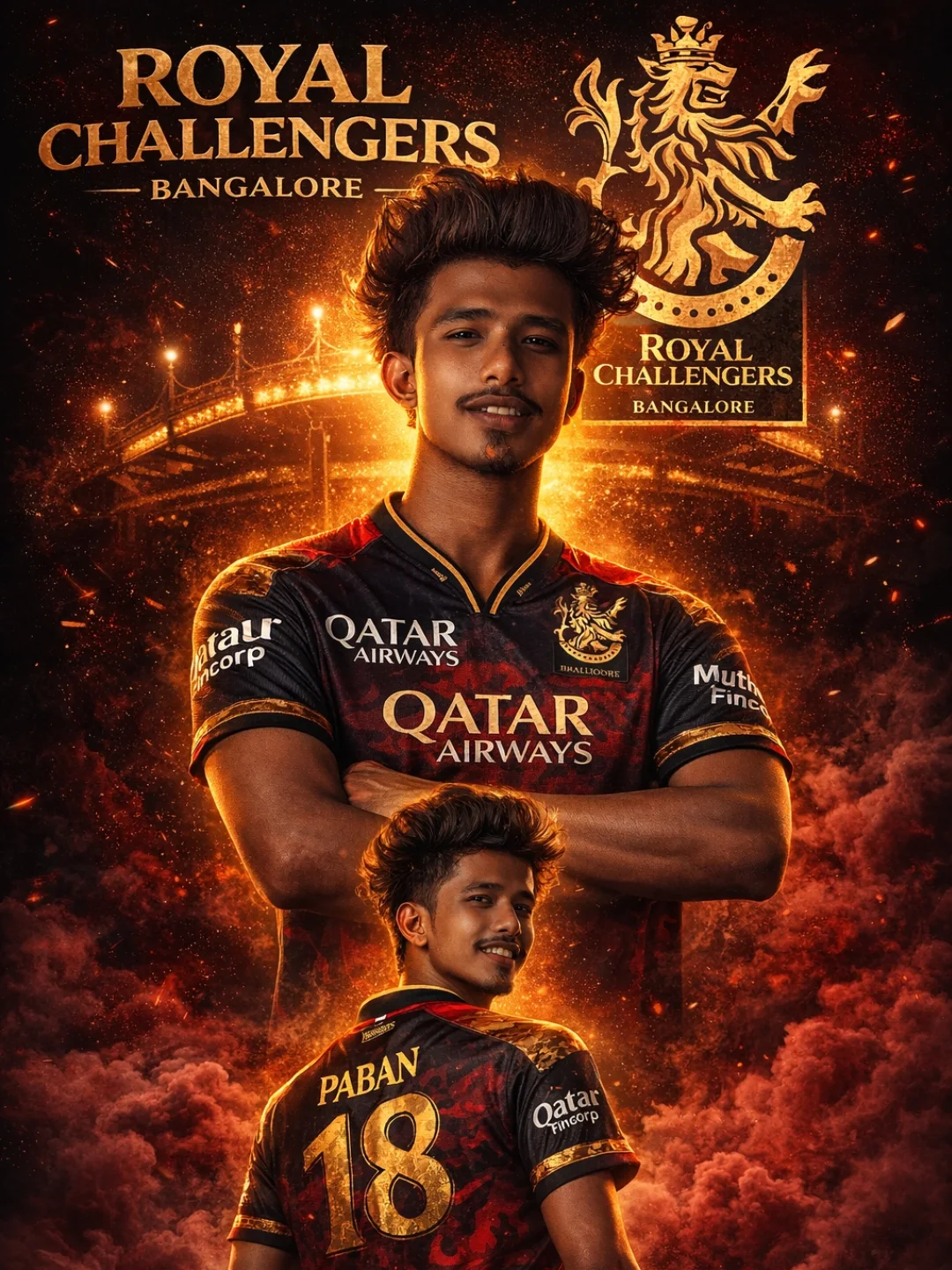
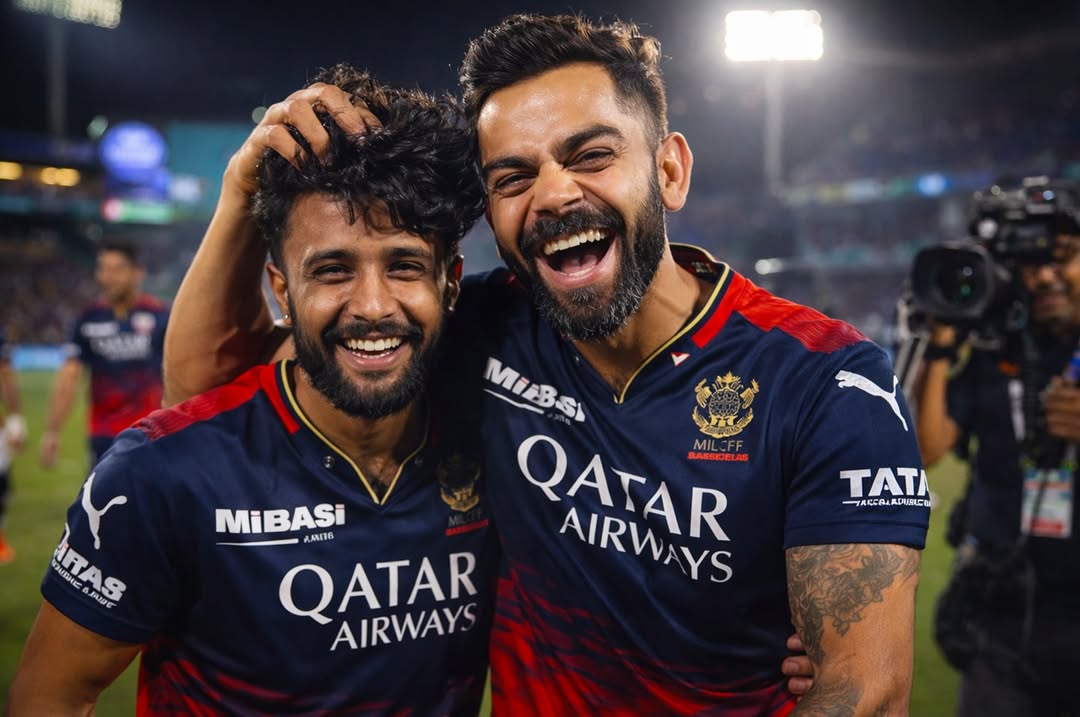
“A high-resolution, photorealistic sports photograph of Indian cricketers Virat Kohli and
18
years old young man celebrating an IPL match victory. Kohli, on the right, is laughing joyfully and
playfully messing up a young man hair while hugging him. A young man with dark shaggy hair, is smiling brightly. Both are wearing the navy blue and red Royal Challengers Bangalore (RCB) jersey with the Oatar Airways logo visible and looking towards the camera. The backgroundisa blurred cricket stadium at night with floodlights, other
TATA
teammates in the distanceyand a TV camera operator visible on the side, 8k resolution, cinematic lighting, emotional and candid moment.” Face 100% match as reference image
How To Create RCB Ai Photo
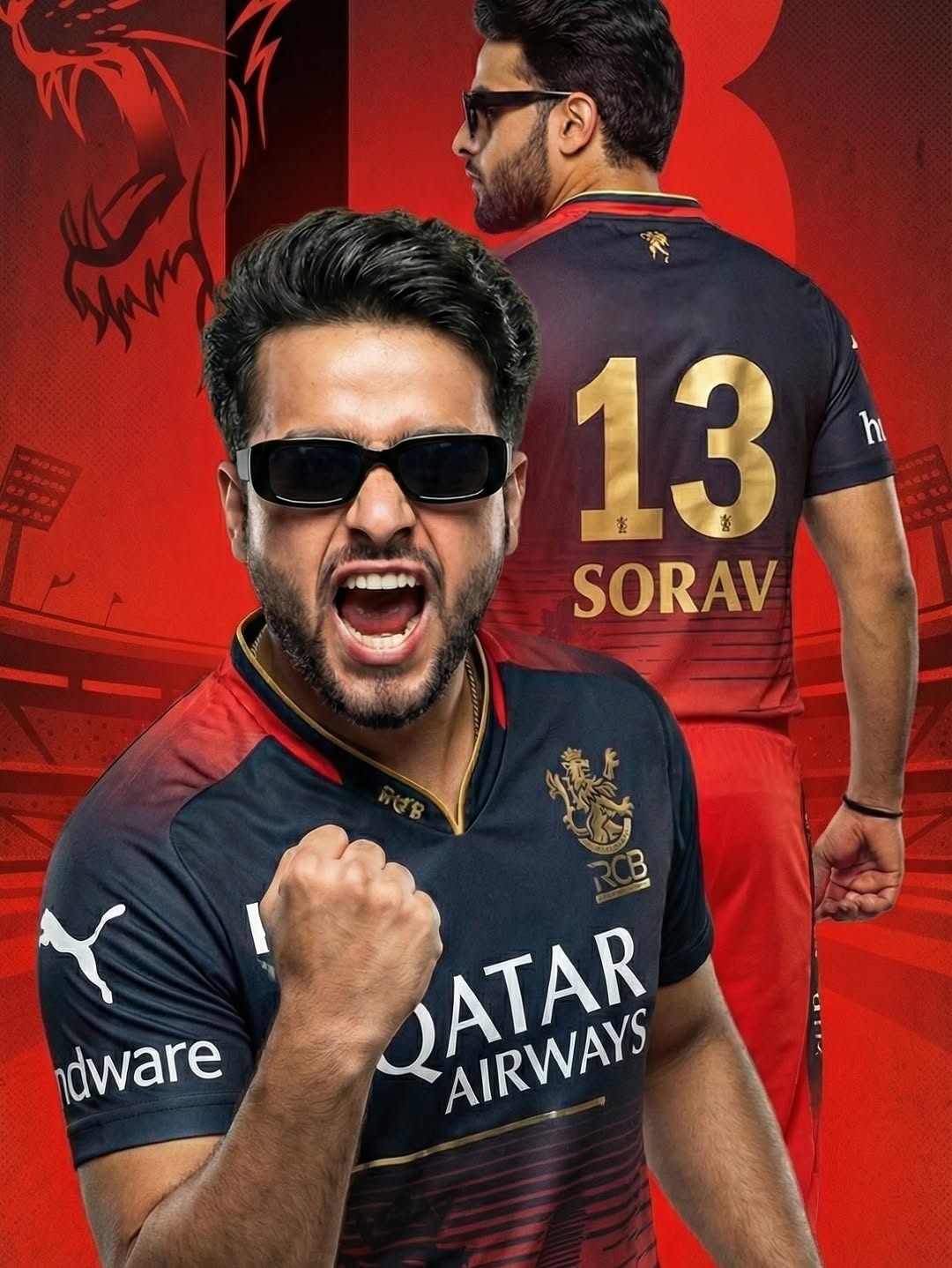
So let us now tell you how you can create such a photo in easy steps. So to edit such RCB photo, first of all you have to click on Create Image, then copy the prompt which you want to create. And to make such a photo, you have to use a selfie photo in which your face is clearly visible.So you have to upload that photo by clicking on the plus icon, then you have to paste the prompt and send it.Whatever you get in the , just save it.
Few Words
So if you want to edit other IPL team photos, then I had told about it in the previous article and had given prompt for each team so that you can make such a photo. And I also told you all the steps and process so that you can easily edit such IPL photos.
Nice
Mi
RCB Savita editing photo
Rcb
CSK fen
CSK player ki t shirt banado
Ipl photo edit
RCB IPL PHOTO EDIT