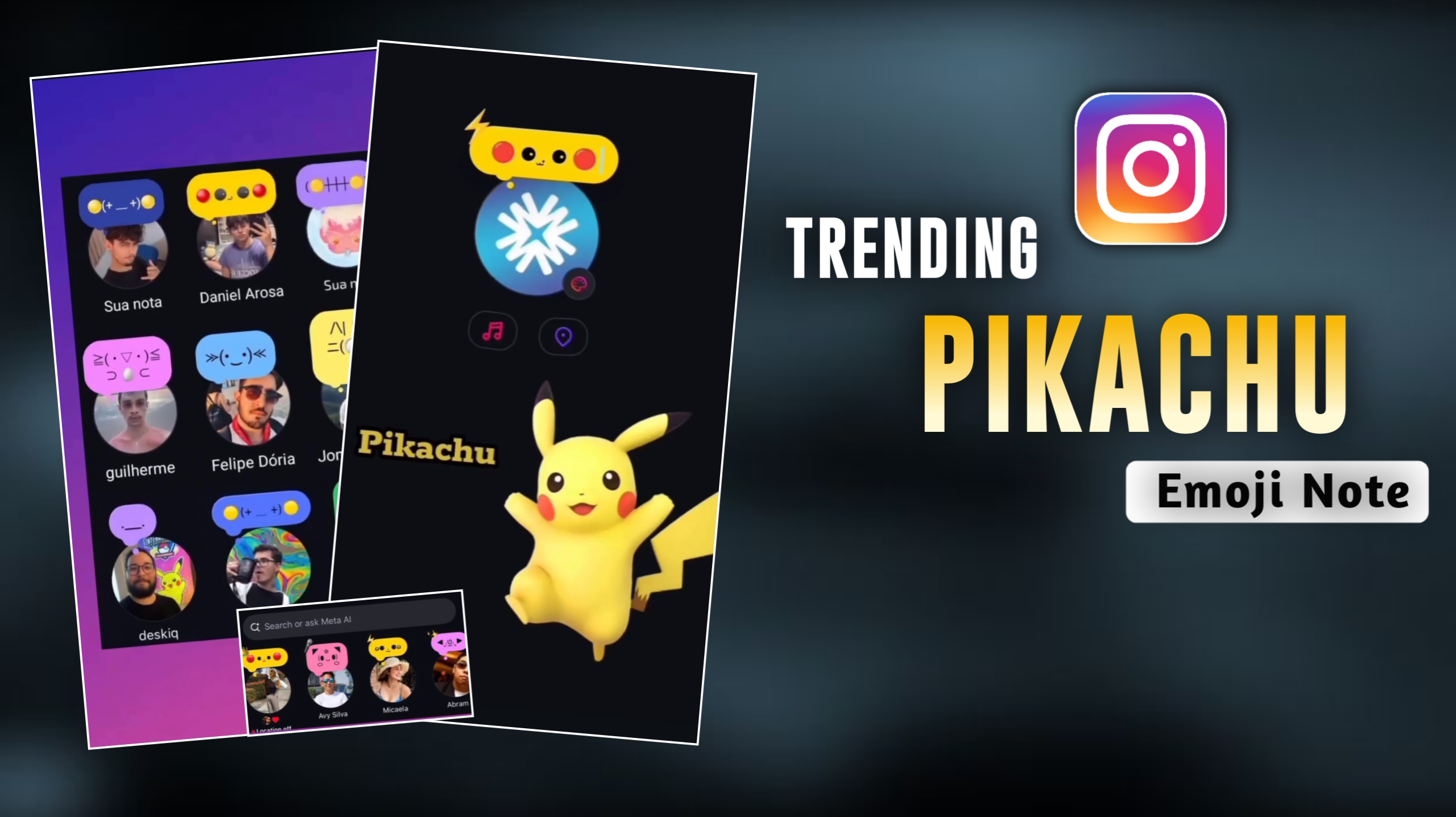
If you are active on Instagram, you may have noticed that your friends—the people you follow—are setting up unique “Notes” featuring images like Pikachu. These look incredibly appealing, and you might be thinking, “I want to set a Note like that too!” However, you may not know exactly how to do it. In this article, I will guide you through the process of setting up these Notes; furthermore, I will provide you with the actual Pikachu image—along with various other options—that you can use to create your own viral Instagram Notes. So, simply read through this article carefully. Since this trend is currently going viral, if you decide to try it out, your friends will be absolutely shocked and left wondering, “How did they do that?”
What Is Pikachu ?
Pikachu is a character featured in movies, web series, and video games, originating from the world of Pokémon—a realm that is entirely fictional. Pikachu is yellow in color, possesses red cheeks, and has a tail shaped like a bolt of lightning. A unique ability of Pikachu is its capacity to gather electricity within its mouth and unleash it as an attack. In the Pokémon anime, Pikachu serves as Ash Ketchum’s best friend and companion. Pikachu is adored worldwide for its bravery, loyalty, and endearing nature. Currently, largely due to these qualities, a specific “Notes” trend featuring Pikachu has gone viral on Instagram; users are enthusiastically creating and posting these notes—often paired with various songs—which results in a visually appealing aesthetic. In this guide, I will walk you through exactly how to do this.
🟡◕ ․̫ ◕🟡
𓆝 𓆟 𓆞 𓆝 𓆟 | ⚞🎀・◦・⚟ | 🎧ྀི♪⋆.✮
⋆.˚✮🎧✮˚.⋆ | 𓇼 ⋆.˚ 𓆉 𓆝 𓆡⋆.˚ 𓇼 | ⚞^. .^⚟
ﮩ٨ـﮩﮩ٨ـ♡ﮩ٨ـﮩﮩ٨ـ | ≽(◉˕ ◉ ≼マ | “૮₍ ˶•⤙•˶ ₎ა |
Instagram Note Details
You must be aware of the note feature on Instagram. In this feature, you can write very few words, at least you can write 60 words there.So people use it to write some lines there or add any song there and put it with emoji, but at present Pikachu is in trend, so people make Pikachu as their own.We are using it in the note which looks very good and after using it everyone wants to make it, so I have given you different types of notes above which you can copy and use.And in some of them you will see a coffee button, if you click on the coffee then it will be automatically copied and below I have given some more, so if you like any of them then you will have to copy it by long pressing on it.
How to Use Pikachu Note on Instagram
So let me tell you how you can use this Pikachu note and how you can add it to your Instagram ID note so that it looks good.So see, first of all you have to do is copy the Pikachu note that I have given you here by clicking on the coffee, then you have to open Instagram, then you have to go to the note and press iscolong there.You have to paste it and then select yellow color by clicking on the color option there and after selecting emoji there you have to select thunder emoji and by selecting any song And your Pikachu note is ready, you can share it.
Last Few Words
This Pikachu trend is very viral on Instagram and this trend is a very interesting trend and in this people are just using this emoji and putting it on their notes.And if you have seen Pikachu in any web series or movie or game then you must know that Pikachu is a show running worldwide, it is an anime and everyone in India, Japan and United States wants to watch it.So that’s why this trend is going viral, and the interesting thing is that it’s very easy to create. You just have to copy the emoji and paste it on your Instagram.