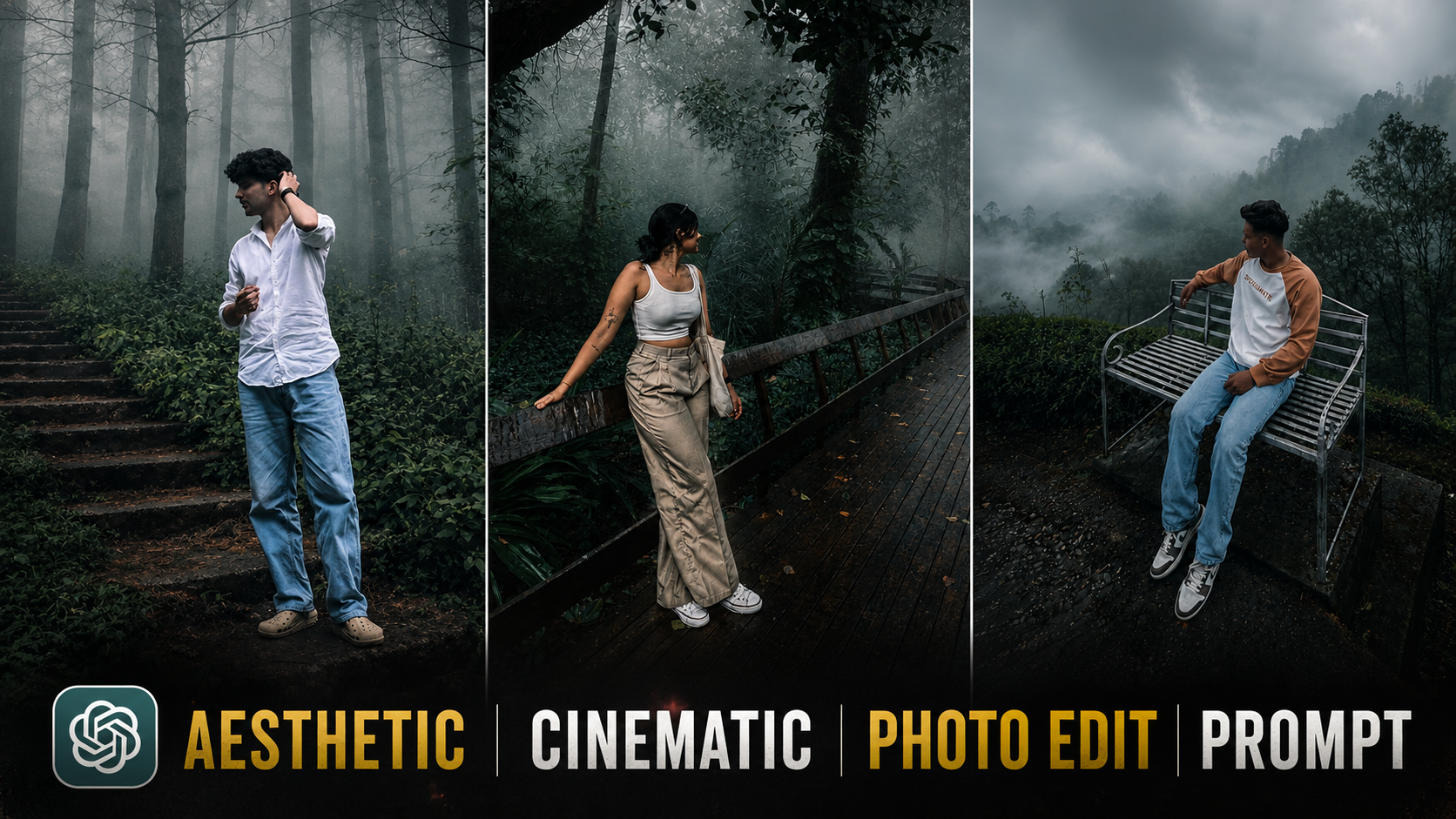
Nowadays, You have likely noticed on social media that this style of static, cinematic, and colorful photo editing is going viral; people are creating these images with just a single click. By simply using a specific prompt, you can transform even your most ordinary photos just upload the image, paste the prompt, and your cinematic, static-style edit will be ready. In this article, I will share everything you need to know to create these edits. I will provide the prompt and explain the step-by-step process in detail, enabling you to create these viral-style images and post them on your social media platforms to boost your own reach. So, read the entire article carefully to get all the details.
Details Cinematic Aesthetic Style Photo Edit Breakdown
So, let me explain what this “aesthetic cinematic photo editing” is all about. It involves using a prompt to transform a photo perhaps one with poor lighting or an unappealing look—into something aesthetic and cinematic. You can achieve this look with just a single click using specific AI tools. In this article, I will explain in detail how you can create these aesthetic, cinematic-style photos, as this trend has taken Instagram by storm and everyone wants to try it. If you want to create them too, let me show you how to do it in a few simple steps.
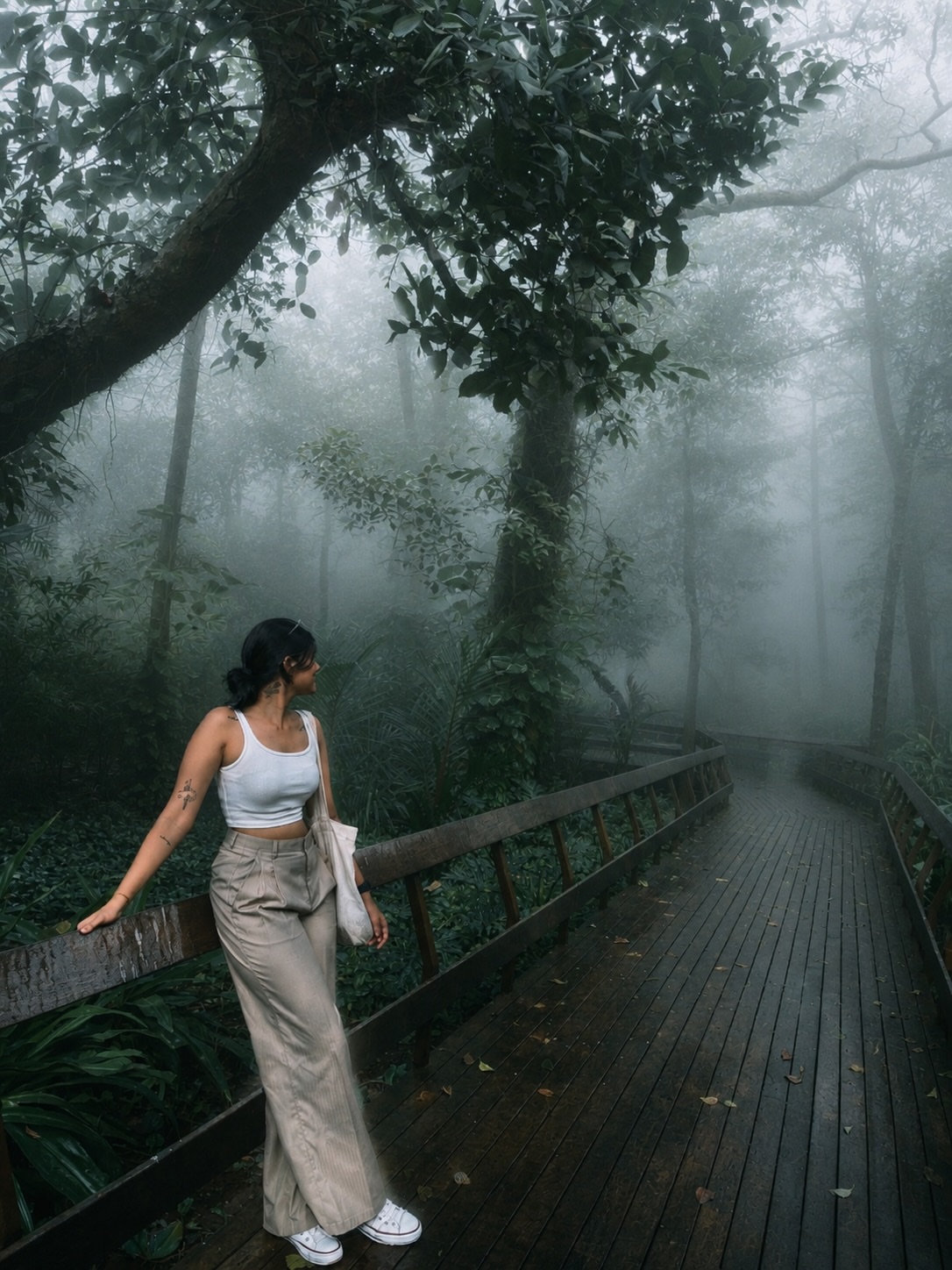
A cinematic, full-body portrait of a young woman standing on a wooden boardwalk path that curves into a thick, misty jungle. She is wearing a white crop top and wide-leg beige trousers, leaning casually against a wooden railing. The atmosphere is moody and ethereal, with heavy fog obscuring the tall, moss-covered tropical trees in the background. Soft, diffused natural light, muted green tones, and high-detail textures. Ultra-realistic photography, 8k, shot on a wide-angle lens for depth.
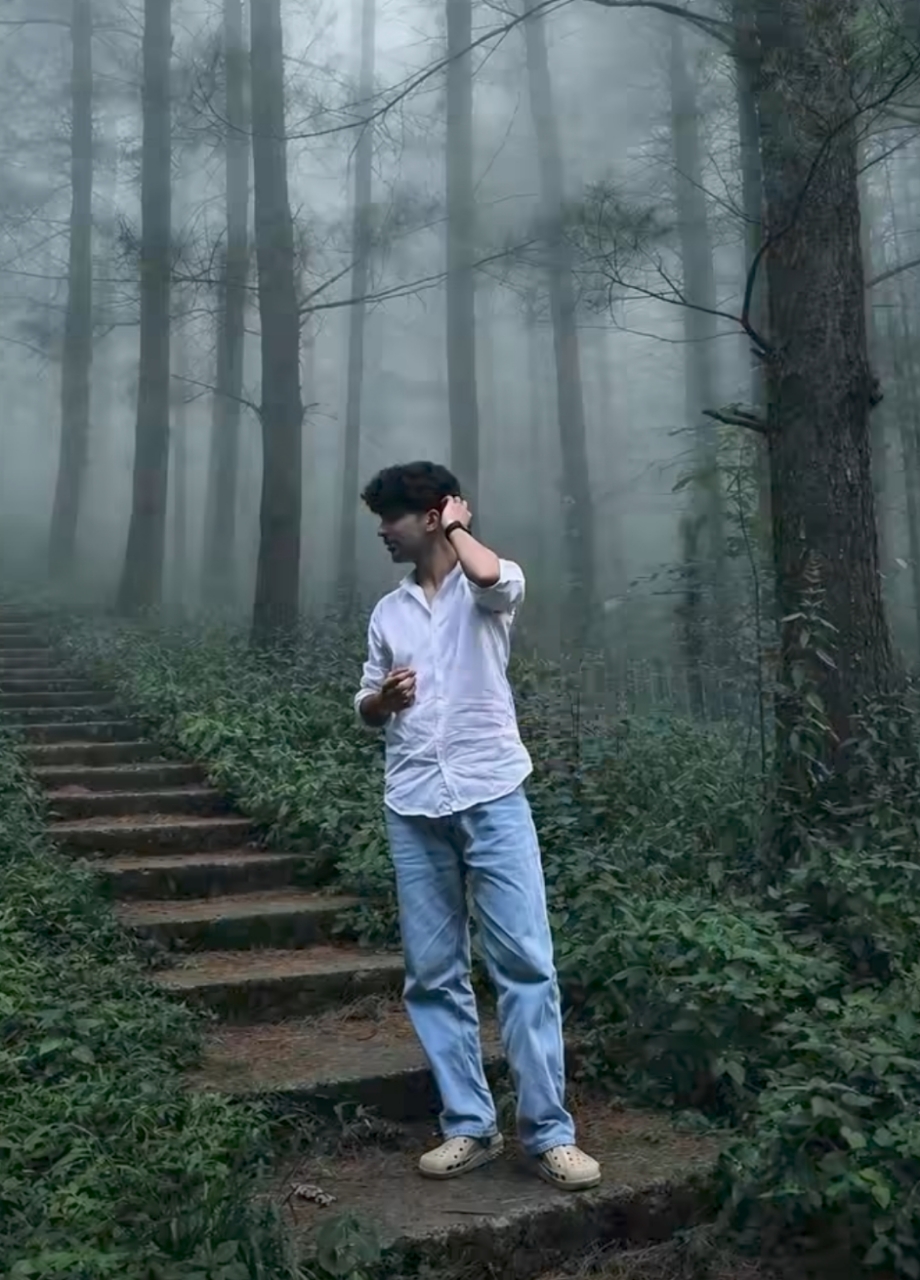
Transform this image into a breathtaking ultra-realistic foggy forest masterpiece. Add dense natural white fog covering the entire environment, creating a mysterious and cinematic atmosphere. Apply rich forest-inspired color grading with deep emerald green, dark teal, moss green, and earthy brown tones. Enhance the trees, foliage, and background elements to resemble a lush enchanted forest hidden in the mist. Introduce soft volumetric light rays subtly penetrating through the fog, creating depth and realism. Increase overall image quality to ultra-high-definition 4K resolution with razor-sharp details, HDR enhancement, realistic textures, balanced contrast, and natural color harmony. Improve shadows, highlights, and dynamic range while maintaining a realistic appearance. Add a moody woodland aesthetic, dreamy fog layers, atmospheric perspective, and professional cinematic photography grading. The final result should look like a premium DSLR forest photograph captured during a cold misty morning, with ultra-realistic details, immersive depth, soft natural lighting, and stunning visual quality. Style: Cinematic Forest Photography, Moody Nature, Dense Fog Weather, Volumetric Lighting, HDR, Ultra Realistic, Professional Color Grading, 4K Quality, DSLR Shot, Atmospheric Depth, Photorealistic.
How To Create Aesthetic Cinematic Photo Just One Click
Now if you want to create such an aesthetic cinematic style photo,And I will tell you some simple and easy methods below to make such photos, which you can follow and make. then to create such a photo, first of all you have to copy the prompt I have given you. Then you will see an option of Create Image, you have to download this app by clicking on that button and open it or you can also create such an image from its website, then you have to click on the plus icon.Then you have to select your image, after that you have to paste the prompt and send it here.Now you have to wait a little here for a few seconds, after that you will see that your image will be generated and you can save it by clicking on this image.
My last few words
I’ve provided you with the entire process of editing aesthetic cinematic style photos, along with its prompts. Using these, you’ll be able to create such photos very easily.Because right now you people are seeing that it is the rainy season, the monsoon is looking very nice, so this type of photo edit is very viral, this is such an edit in the middle of the mountains, so you people should make such an edit.