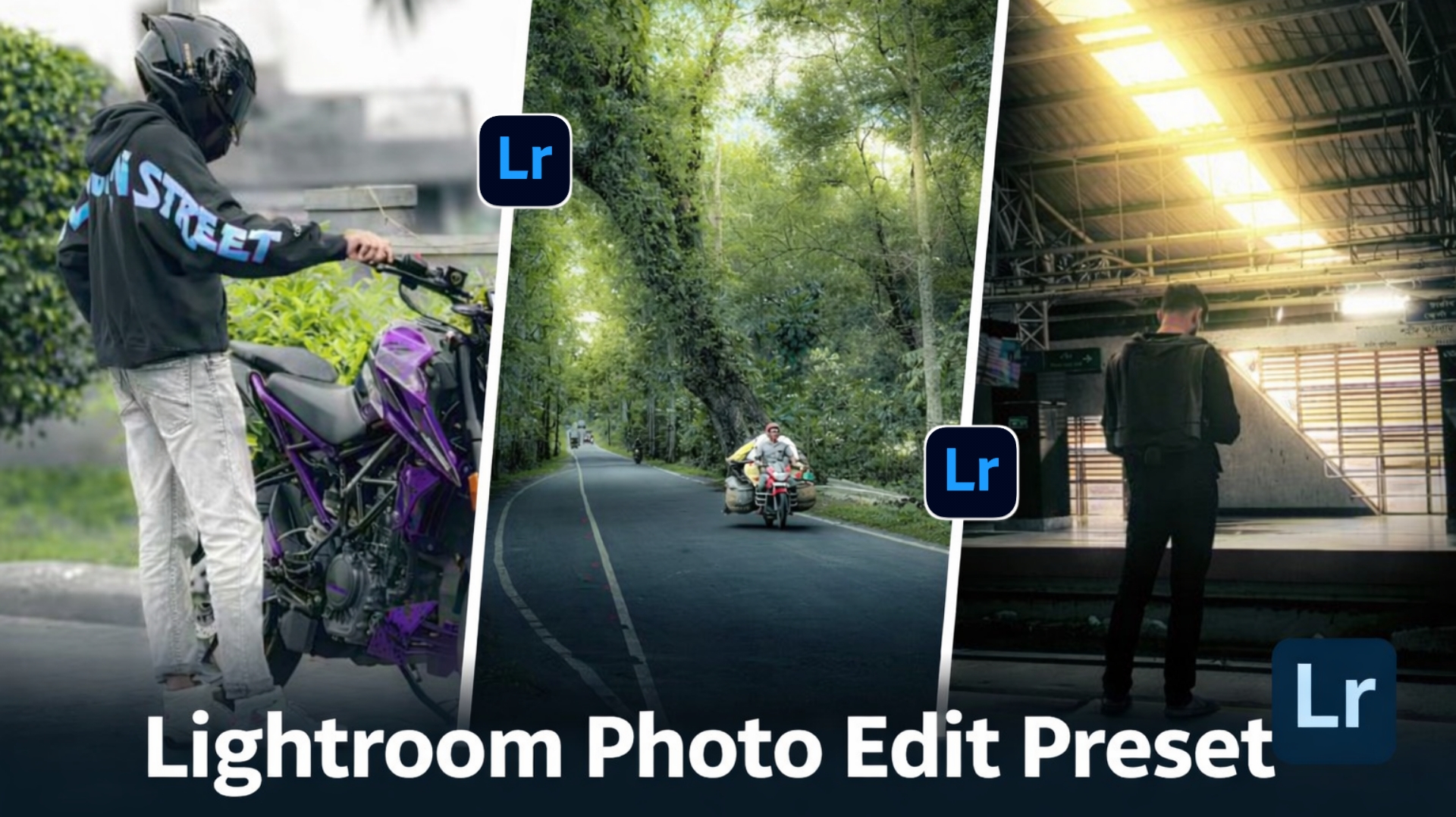
You also click photos with your phone, but after clicking, your photo doesn’t look good. So, you can use a Lightroom preset on any of your photos and transform it into a one-click photo.You can edit it, which will completely change your photo and it will go through professional editing. If you edit it yourself, it may take you hours to edit such a photo. And you should know how to edit well, only then you can do it, but if you use this preset at the same place, you can edit your photo in one click.So today in this article I am going to give you such Lightroom presets for free which you can use. And I am going to give you two-three types of presets which you can use to edit any of your worst photos.
What Are Lightroom Presets? (Complete Guide for Beginners)
What is a Lightroom Preset? Let’s tell you. Lightroom presets are pre-designed editing settings that give your photos a professional look in just one click.You can add color grading, brightness, exposure, shadow, hue, light etc. in Preset. And it automatically adjusts the tone, n, making editing fast and easy. This is a great tool for beginners because it’s easy to due to which our photo gets edited, that too without any editing skill. Attractive photos have become very important these days on social media platforms like Instagram, and Lightroom presets help a lot in this.You can create different styles with presets, such as cinematic, moody, bright, and vintage looks. Lightroom is available on both mobile and desktop, so you can edit anywhere.
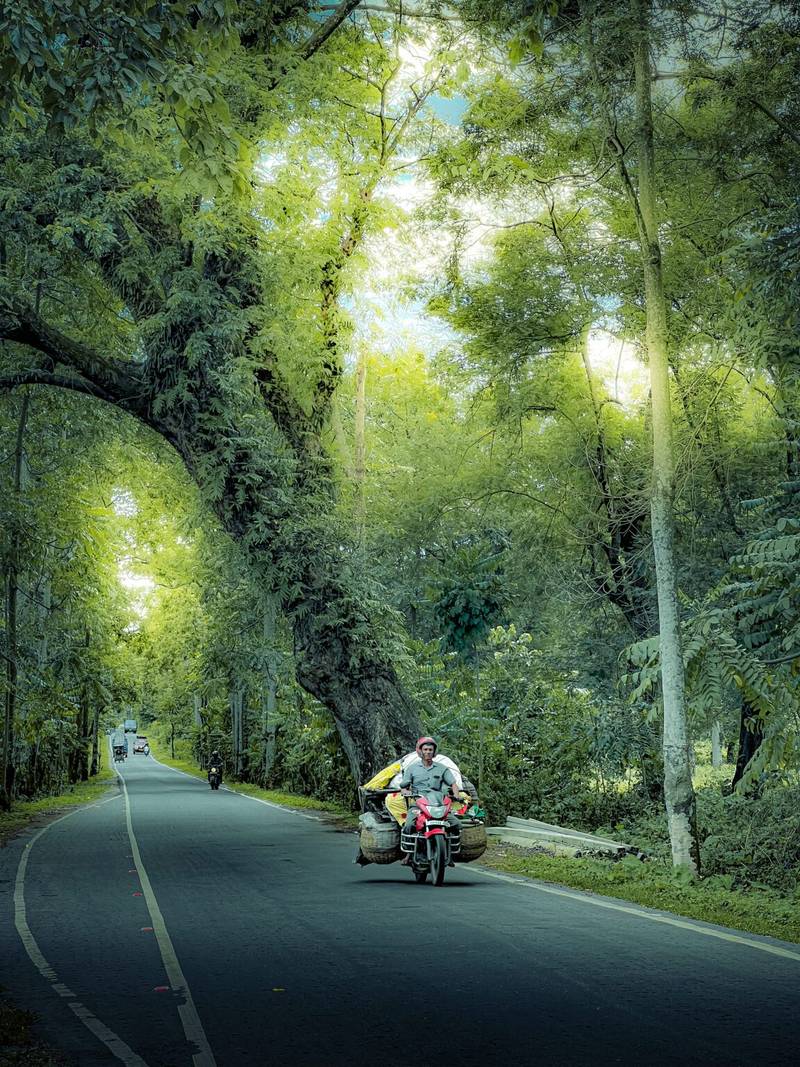
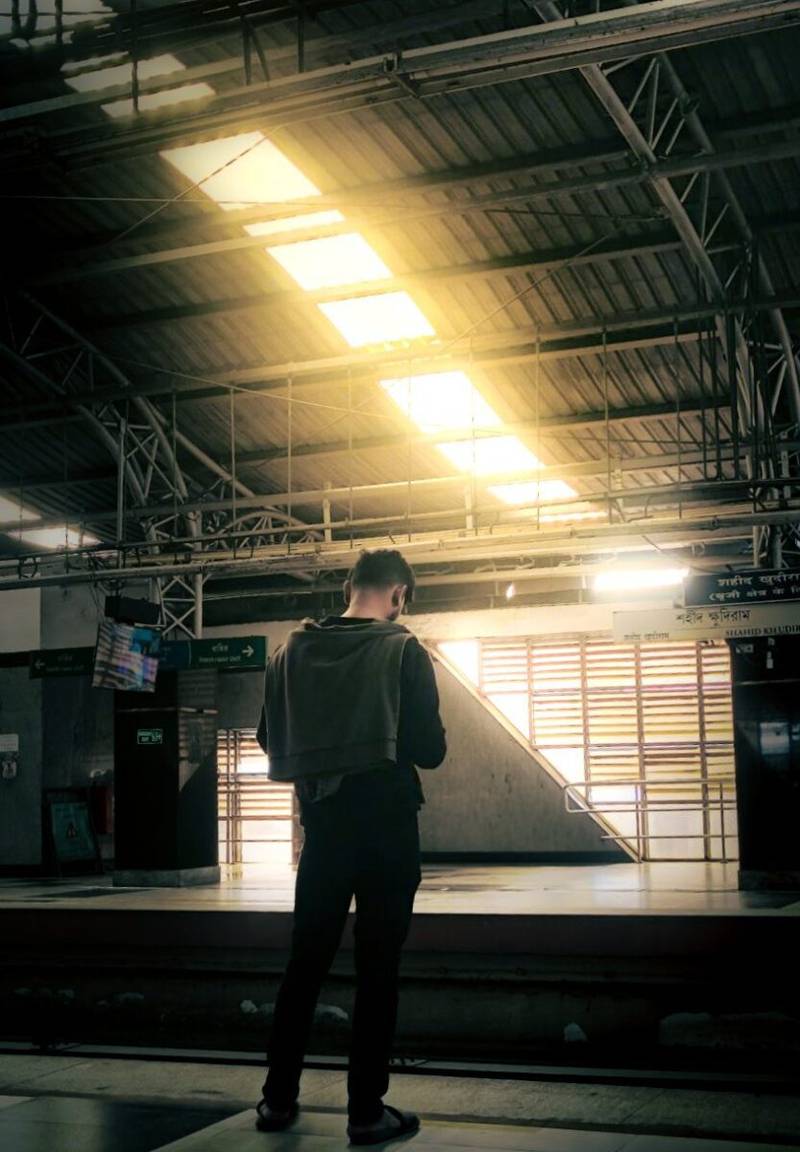
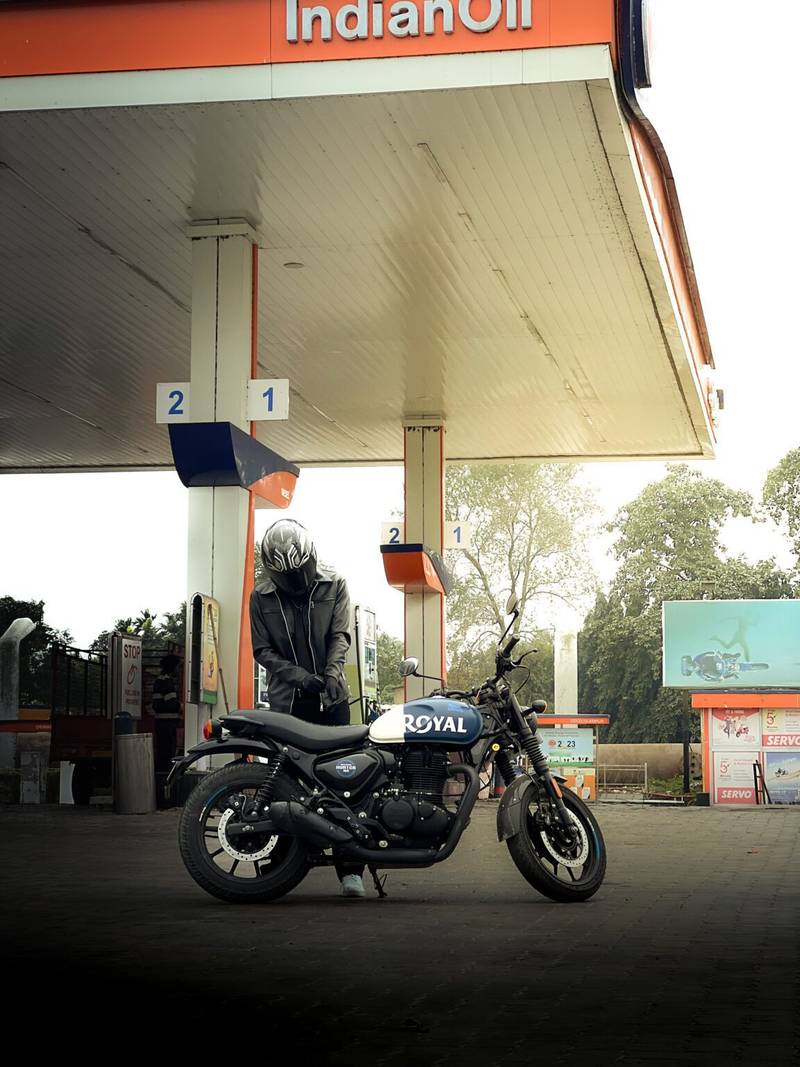
How To Use Lightroom Preset For Photos Edit
So to use this preset, first of all you have to download the preset which I have given above and you should have Lightroom App, then I will tell you the below steps, follow them.
- First of all you have to download the preset and then you have to share it in the Lightroom App by clicking on the 3 lines and using share.
- Then you have to add the photo in which you want to use the preset in the LR app.
- Then you have to click on the photo with the preset, click on the 3 dots, and then copy it by clicking on the copy preset setting.
- Then you have to come to your photo in the Lightroom app and click on the 3 dots and paste it.
- Now the preset will be applied to your photo and you can adjust it yourself.
What Is The Lightroom App
So let me tell you what the Lightroom app is all about. Lightroom is a photo and video editing app. In which you can edit your photos, in this you have all the features like You can easily control brightness, contrast, color, shadows, highlights, and tones. The most powerful thing is presets, which let you change the look of an entire photo in just one click, using which we edit the photo at high level, this is the best of photo editing.And just like you edit your photos, you can also do color grading and editing in any of your videos.
My Last Few Words
you want natural, huIn today’s time, everyone wants their photos to look better and more eye-catching, and that’s where Lightroom really comes in. It’s not just an editing app, but a tool that can turn even a simple photo into something that feels more professional and unique. The best part is, you don’t need to be an expert to use it—just a little practice and creativity can go a long way. Whether you’re editing for social media or just for yourself, Lightroom makes the whole process easier and faster. Presets help save time and still give impressive results. In the end, if you truly want to improve your photos and take them to the next level, Lightroom is definitely worth trying. Keep experimenting, learn as you go, and slowly build your own editing style.